Destinations
Destinations are the locations that travel packages can be associated with.
Navigating to the Destinations Page
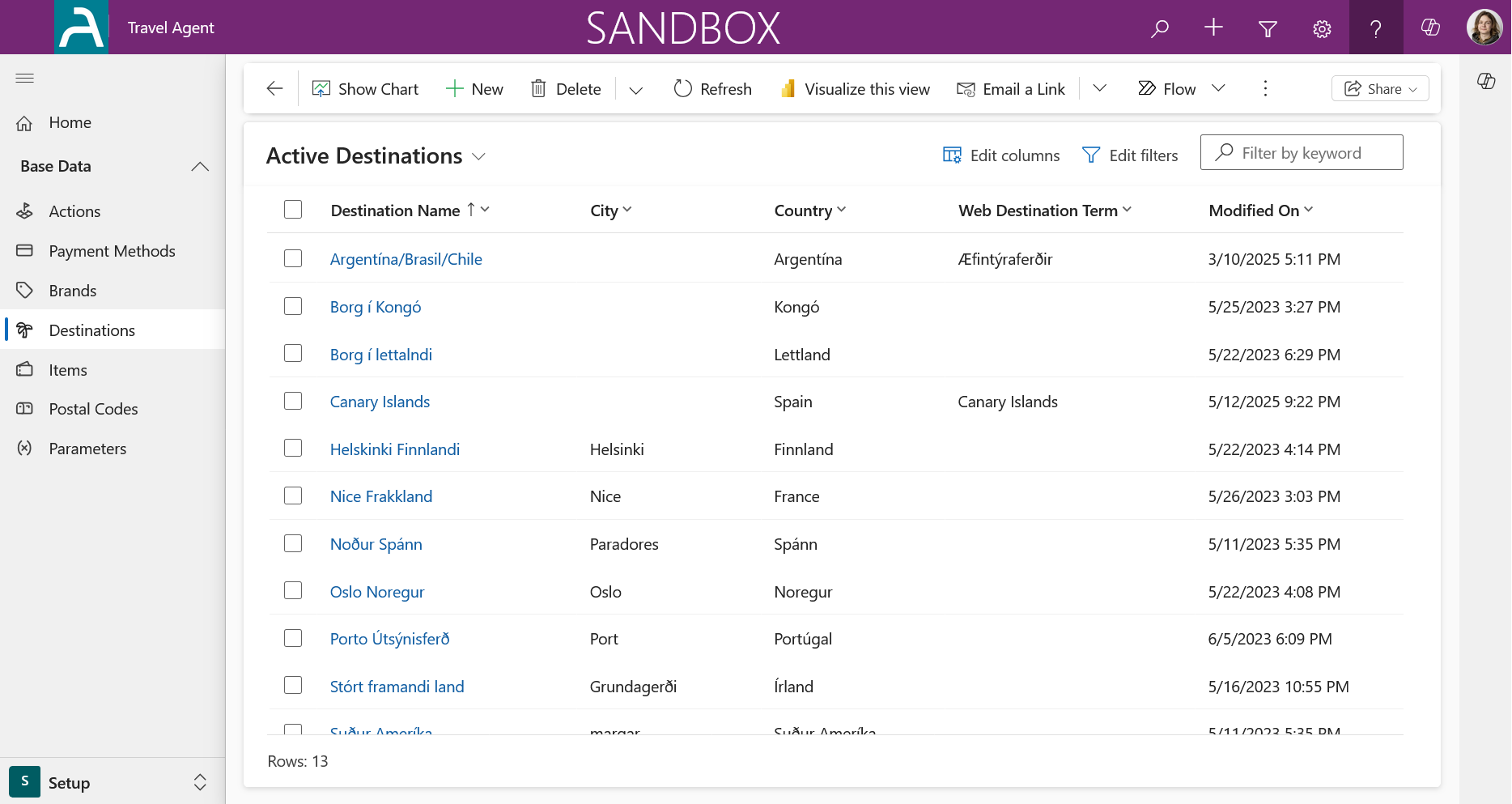
The main Destinations page provides an overview of all existing destinations within the system. From here, you can view, manage, and create new destinations.
Creating a New Destination
To create a new destination, click on the New button in the command bar. This will open the form for a new destination. The most important fields are:
- Destination Name
- City
- Country
- Web Term Name
Once you have entered the required information, you can save the new destination.
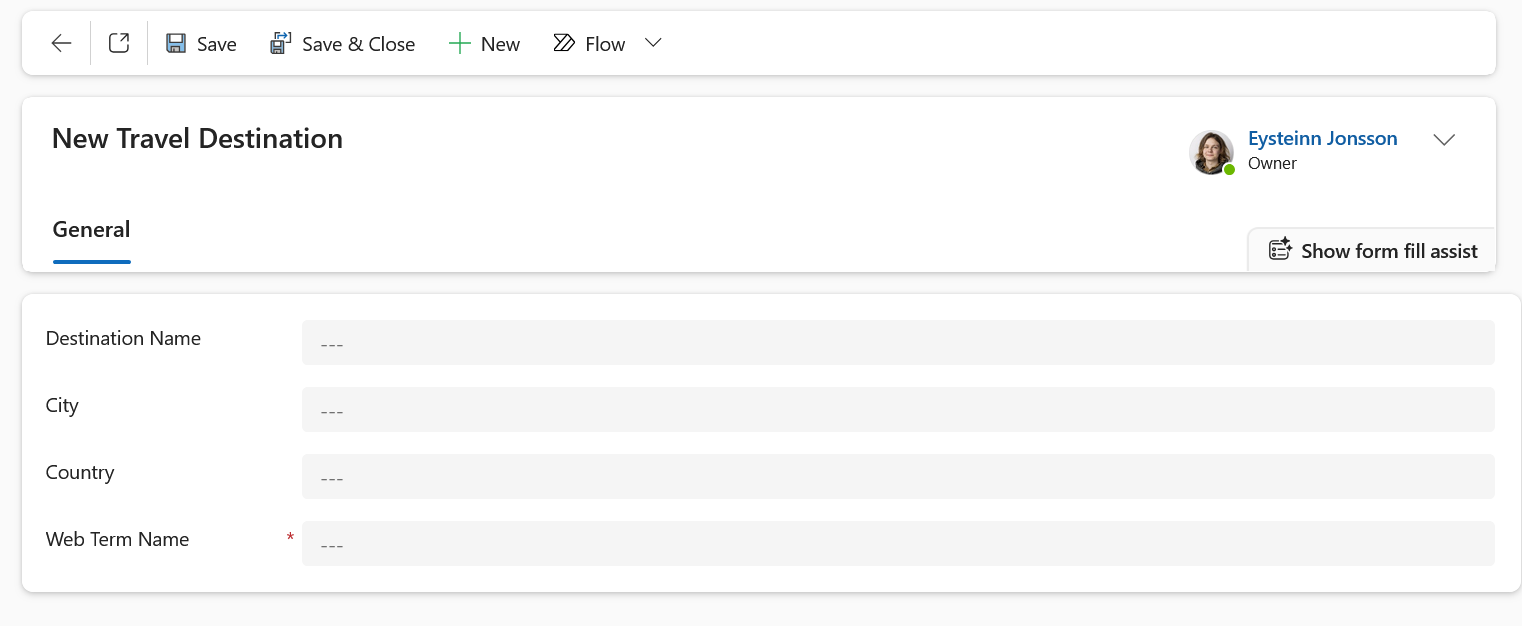
The Web Term Name is used to identify the destination for taxonomy purposes, such as in what category it belongs to on your website and it's important for the WordPress integration to work correctly.
Related Resources
Need help? If you encounter any issues or have questions, please refer to our FAQ or contact support.