Styling
A styling configuration guide to the Travel Agent booking form.
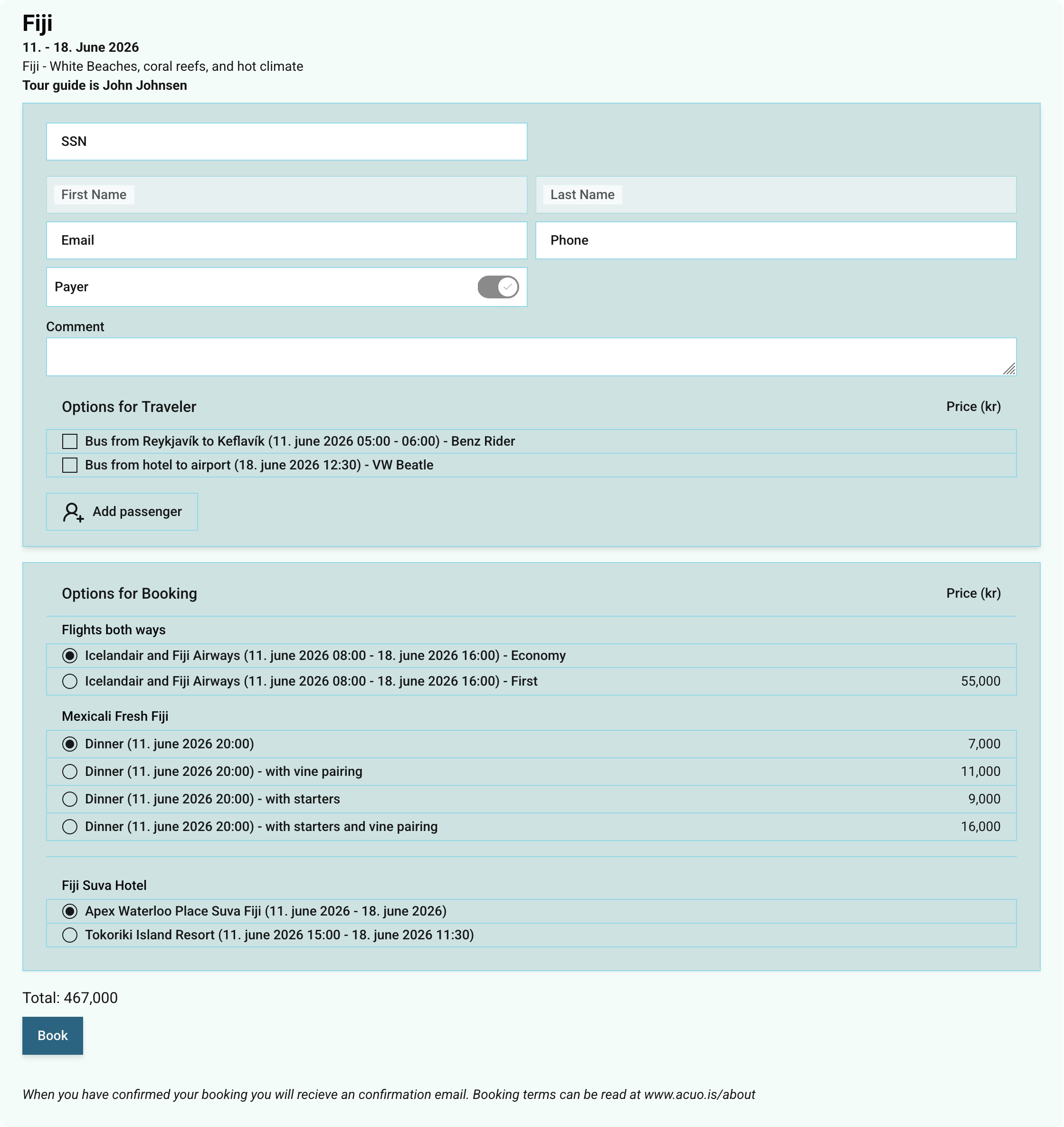
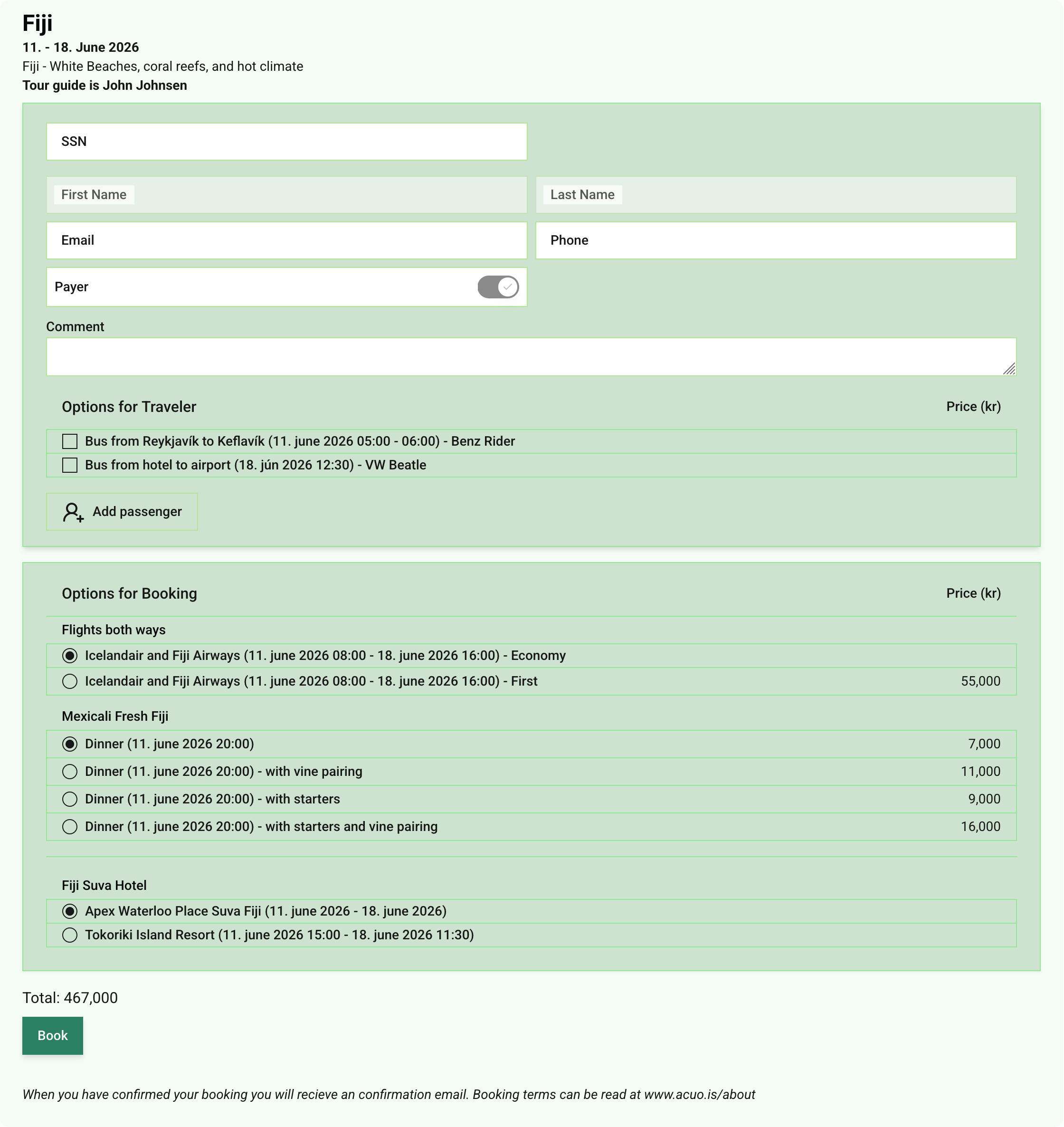
Easily adjust the look of your embedded booking form by sending simple postMessage instructions from your page to the iframe. Use the following style keys to match your branding:
- --destructive
Color for the “Remove” button. - --border
Border color around the form. - --input
Color for input field borders. - --background
Background color of input fields. - --card
Background color for each traveler card. - --accent
Page background behind the form cards. - --foreground
Main text color in the form. - --muted-foreground
Color for helper and secondary text. - --muted
Background color when hovering over inputs or cards. - --submit
Background color of the submit button. - --submit-foreground
Submit button background on hover. - --radius
Corner radius for cards, inputs, and buttons (e.g.4px,8px).
Quick Example
// Send style updates to the booking form iframe
document
  .getElementById('booking-iframe')
  .contentWindow.postMessage(
    {
      action: 'stylings',
      styles: {
        '--foreground': '#333333',
        '--background': '#FFFFFF',
        '--border-radius': '6px'
      }
    },
    '*'
  );
Place this script on your page before or after loading the <iframe> to apply your custom colors and radius instantly.